Document Scanning Guides
Clear, step-by-step guides to scanning, signing and sending documents with your iPhone, using the free built-in tools and our app. Written by the team behind PDF Scanner+.
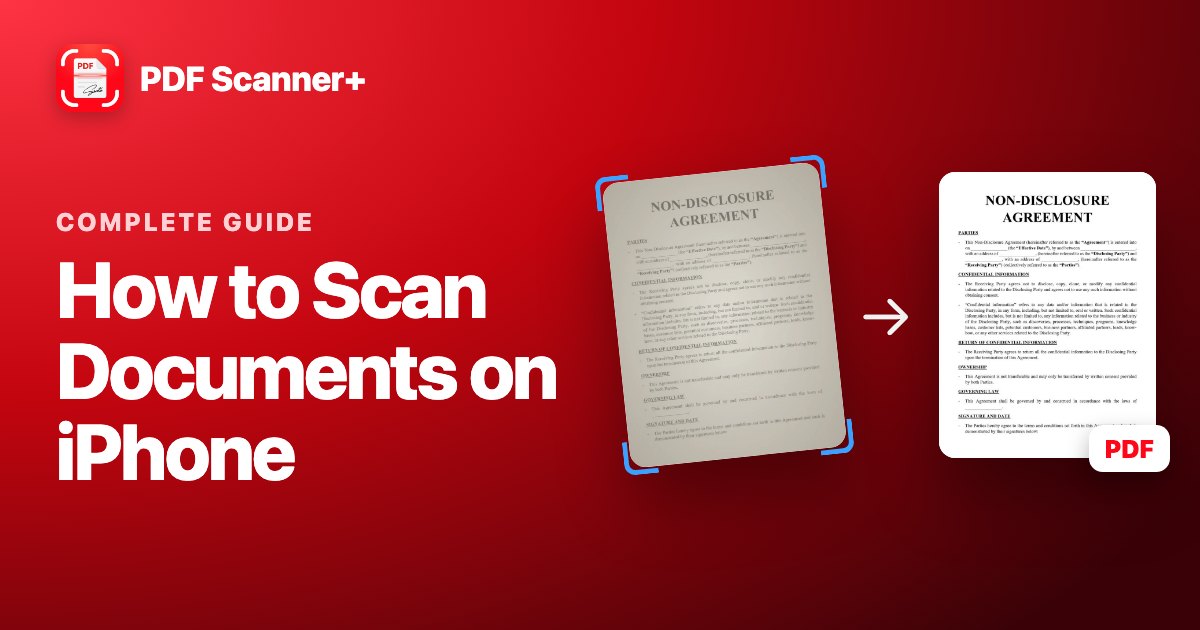 Complete guide
How to Scan Documents on iPhone: 3 Free Ways (and Which to Use)
Your iPhone is a good document scanner. Here's how to scan to PDF with Notes, the Files app or a scanner app, plus tips for sharp, readable scans.
Read guide →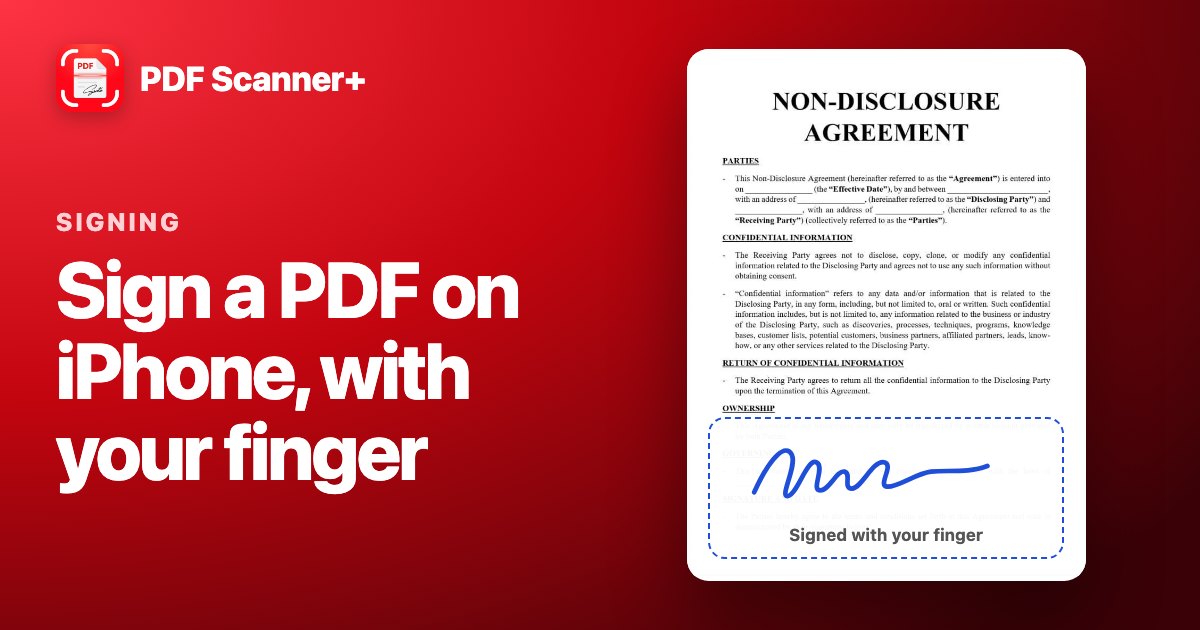 Signing
How to Sign a PDF on iPhone with Your Finger (Free)
Sign any PDF on your iPhone in under a minute, for free. Step by step with the built-in Markup tools, from an email, and for paper documents.
Read guide →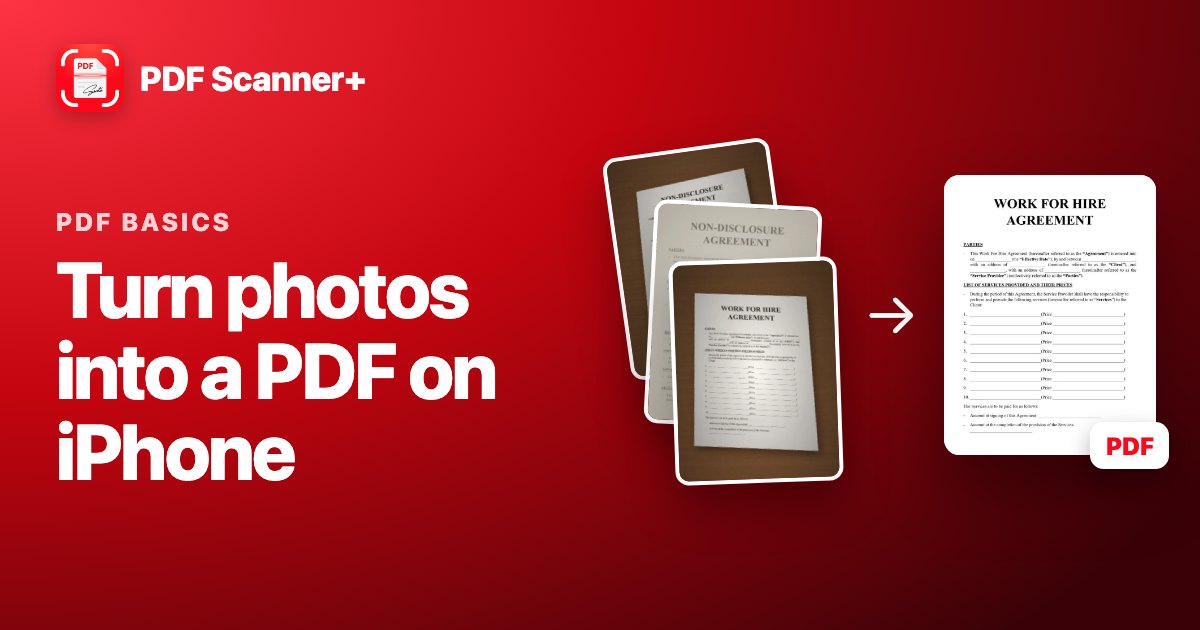 PDF basics
How to Turn Photos into a PDF on iPhone (Free)
Took photos of a document instead of scanning it? Here's how to combine them into one PDF on your iPhone for free, and how to make them look like real scans.
Read guide →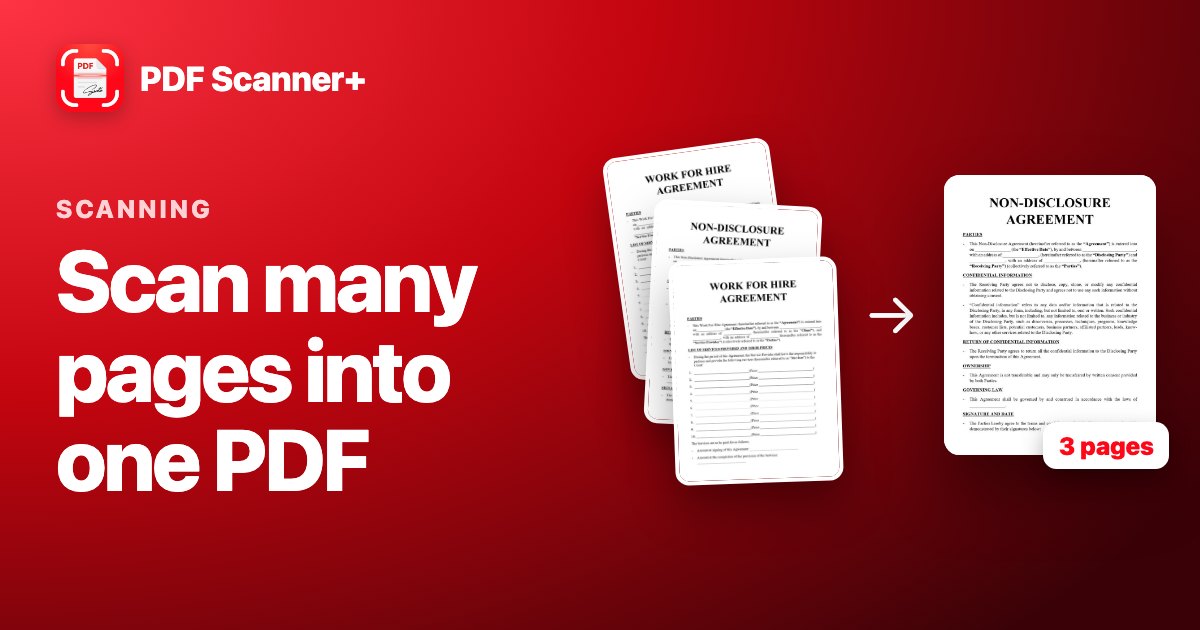 Scanning
How to Scan Multiple Pages into One PDF on iPhone
Scan a contract, a form or a booklet into a single PDF on your iPhone, for free. Plus how to fix the page order and add pages you forgot.
Read guide →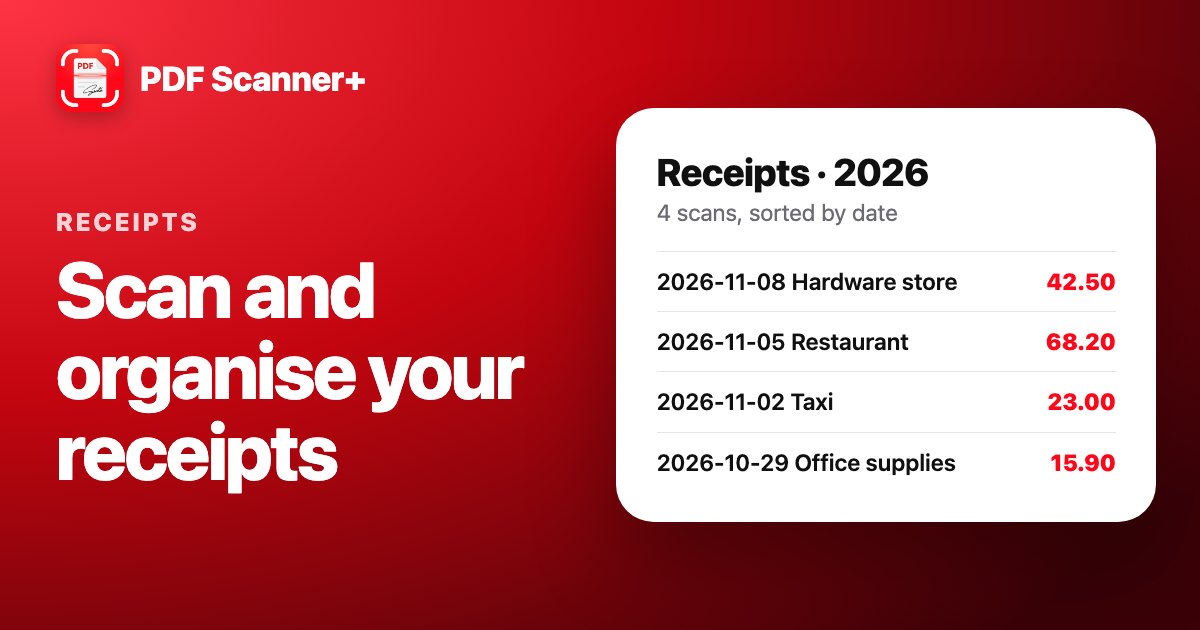 Receipts
How to Scan Receipts on iPhone and Keep Them Organised
Stop losing receipts. Scan them with your iPhone for free, name them so you can find them, and keep them in folders that make tax time easy.
Read guide →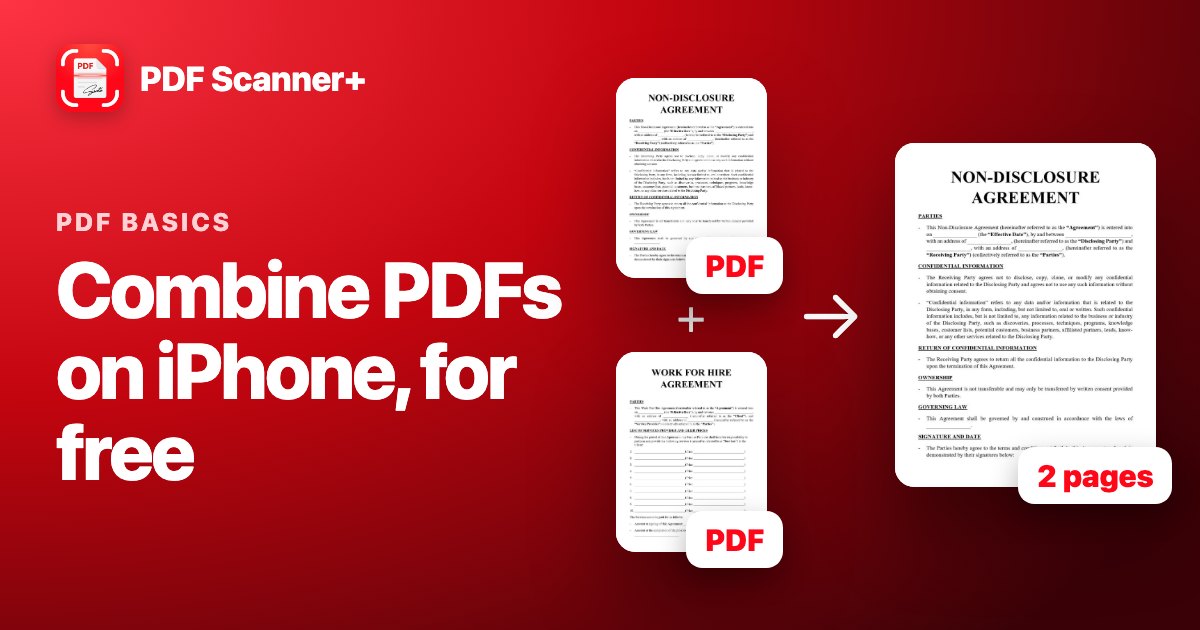 PDF basics
How to Combine PDFs on iPhone (Free, No App Needed)
Merge several PDFs into one on your iPhone in seconds with the Files app. Step by step, plus how to get the page order right and make the file smaller.
Read guide →
Your scanner is already in your pocket
PDF Scanner+ turns paper into clean PDFs in seconds. Your documents stay on your iPhone. Free to download.